B1 – 7F
Floor guide
Hanol Tower floor guide: Regus meeting rooms on B1; Tom N Toms, Jongno Myeonseonsaeng and SS Real Estate on 1F; Tom N Toms on 2F; KUT SEOUL on 3F; Regus offices 4–6F; Regus lounge and terrace on 7F.
- 7F Regus Hanol Tower Regus reception, lounge, front and rear terraces
- 6F Regus Hanol Tower Regus offices
- 5F Regus Hanol Tower Regus offices
- 4F Regus Hanol Tower Regus offices
- 3F KUT SEOUL KUT SEOUL (whole floor)
- 2F Tom N Toms Coffee, Jongno Hanol Tower Tom N Toms (whole floor, stairs to 1F)
- 1F Tom N Toms Coffee, Jongno Hanol TowerJongno MyeonseonsaengSS Real Estate Tom N Toms, Jongno Myeonseonsaeng, SS Real Estate, main entrance
- B1 Regus Hanol Tower Regus meeting rooms, coworking, lounge
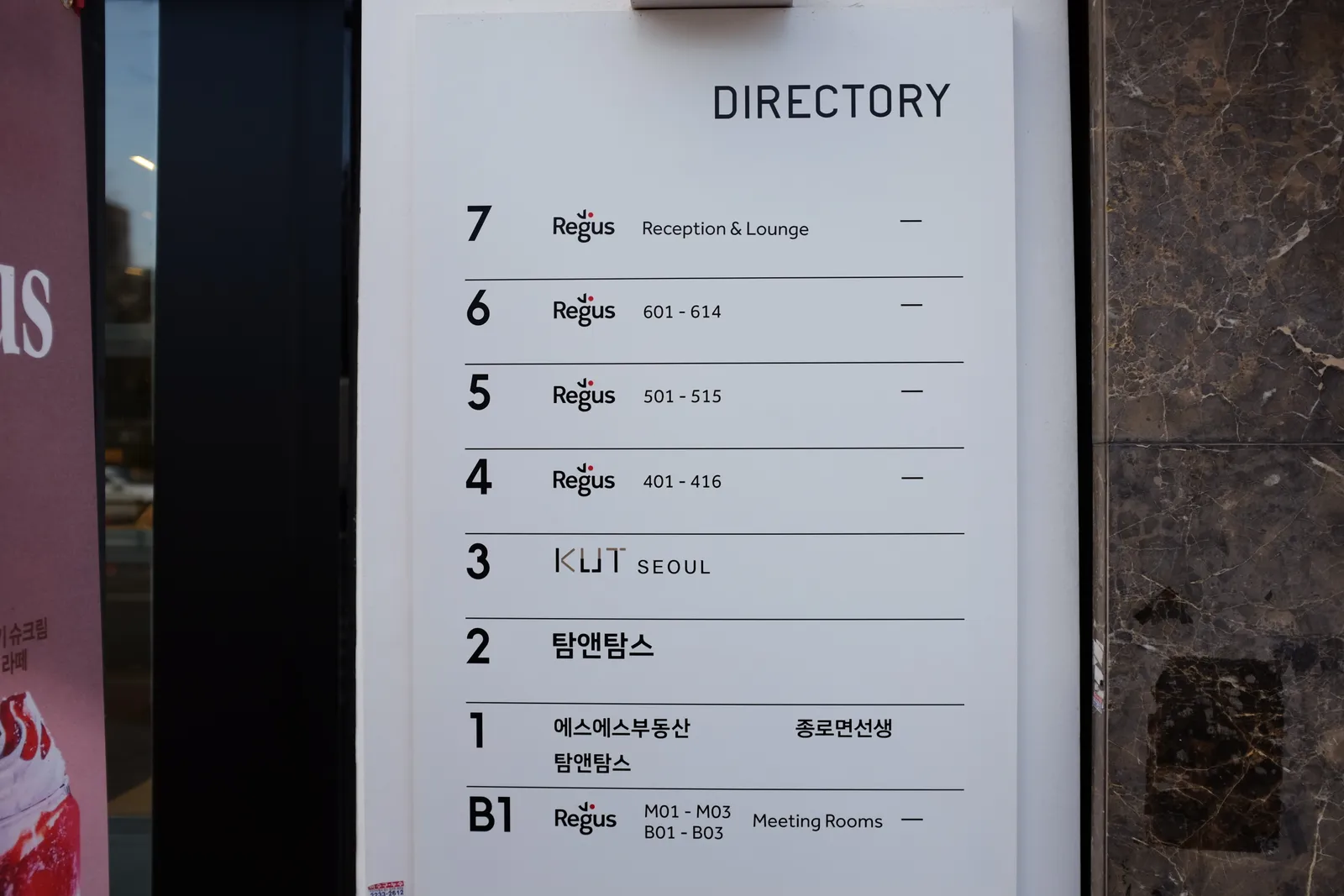
| Floor | What’s there |
|---|---|
| 7F | Regus reception, lounge, front and rear terraces |
| 6F | Regus offices |
| 5F | Regus offices |
| 4F | Regus offices |
| 3F | KUT SEOUL (whole floor) |
| 2F | Tom N Toms (whole floor, stairs to 1F) |
| 1F | Tom N Toms, Jongno Myeonseonsaeng, SS Real Estate, main entrance |
| B1 | Regus meeting rooms, coworking, lounge |
3D walkthrough · prototype
Pick a floor and walk it at eye level
A 3D prototype of Hanol Tower built from the drawings and site photos. Choose any floor from B1 to 7F, orbit with the mouse or walk through at eye level. It is still being refined and differs from the real spaces in places.
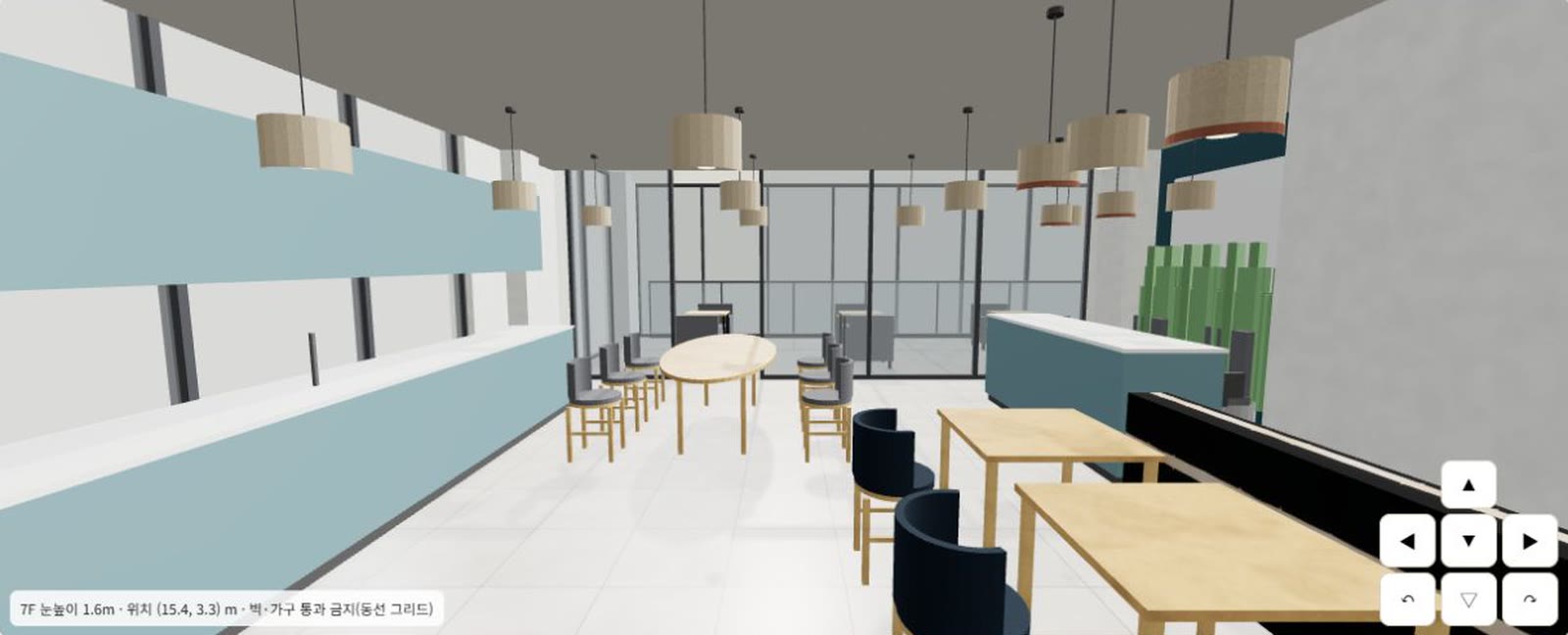
Loads on click · 2–7 MB per floor · drag to orbit, wheel to zoom, WASD to walk
The 3D view could not load on this device.
See the floor table above and the photos on each tenant page instead.
Still being refined
- The walk path still passes through some walls, doors and desks; a few thresholds lack floor or ceiling.
- Some furniture overlaps walls and some lights float.
- The B1 corridor and the 4F, 5F and 7F stairwells cannot be entered yet.
- Furniture is simplified; materials and lighting differ from the real photos.
Based on the architectural drawings, the Regus as-built plans and site photos. Inside the 3D view use [Close] rather than Esc.